-
-
0My Cart{{item.promotion_name}}{{ presentmentCurrencyPriceFormat(item.total_price_with_addon)}} {{ presentmentCurrencyPriceFormat(item.price * item.qty)}}{{ presentmentCurrencyPriceFormat(item.net_price * item.qty)}} {{ presentmentCurrencyPriceFormat(item.price * item.qty)}}{{item.name}} ({{item.variant_name}})Qty: {{ item.qty }}{{ presentmentCurrencyPriceFormat(addon_item.net_price * addon_item.qty)}} {{ presentmentCurrencyPriceFormat(addon_item.price * addon_item.qty)}}{{addon_item.name}} ({{addon_item.variant_name}})Qty: {{ addon_item.qty }}Sub-total:{{ presentmentCurrencyPriceFormat(cart['subtotal']) }}You have no items in your cart !
- General
- Travel SIM
- Power Supply
- Cables/Aapter
- Memory Card/USB/Hardisk
- Computer Peripherals
- Indoor/Outdoor Security Camera
- Car Accessories
- Phone Accessories
- Bluetooth Accessories/Earphone
- Pen/Pointer
- Stand
- Senior Phone/Phone
- Remote
- Battery
- Light
- Smart Watch
- Tracker
-
{{product['name']}}
WEIGHT: {{selected_product['weight']}}KG
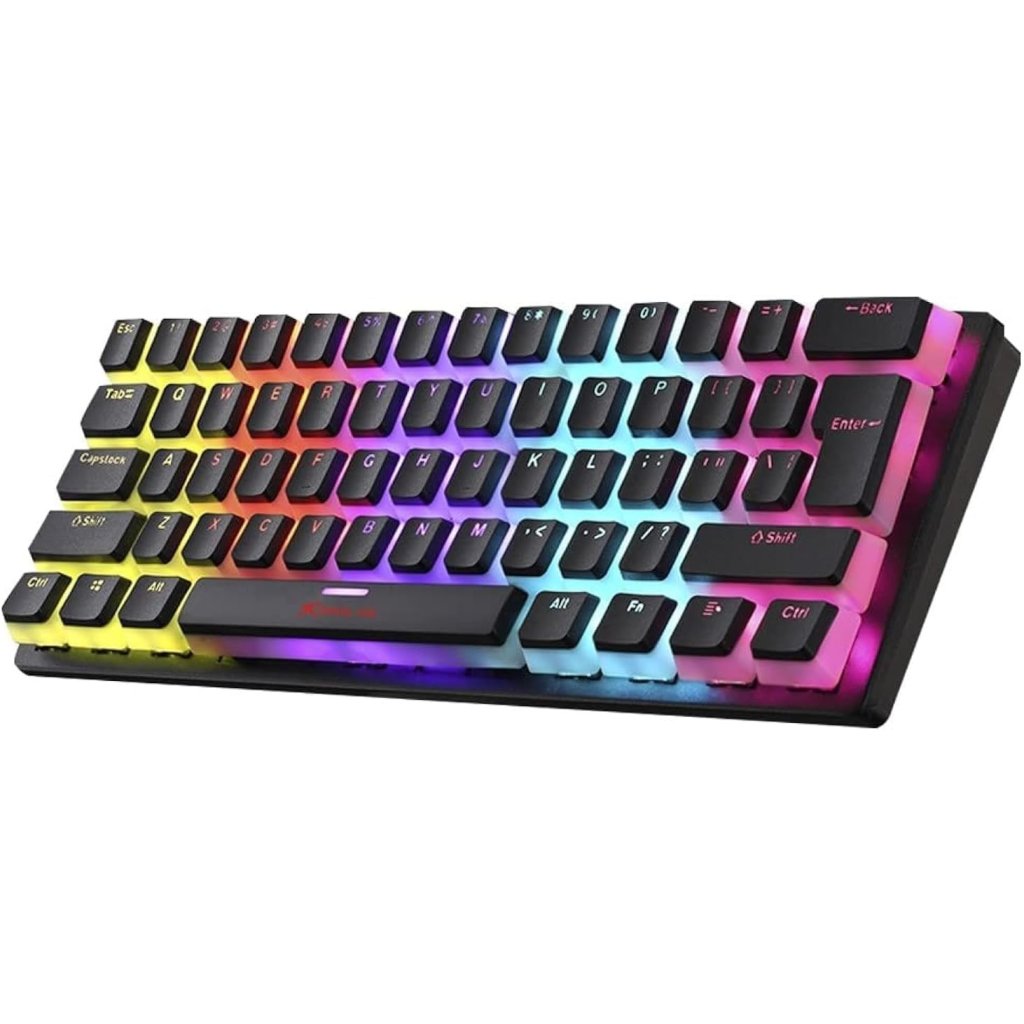
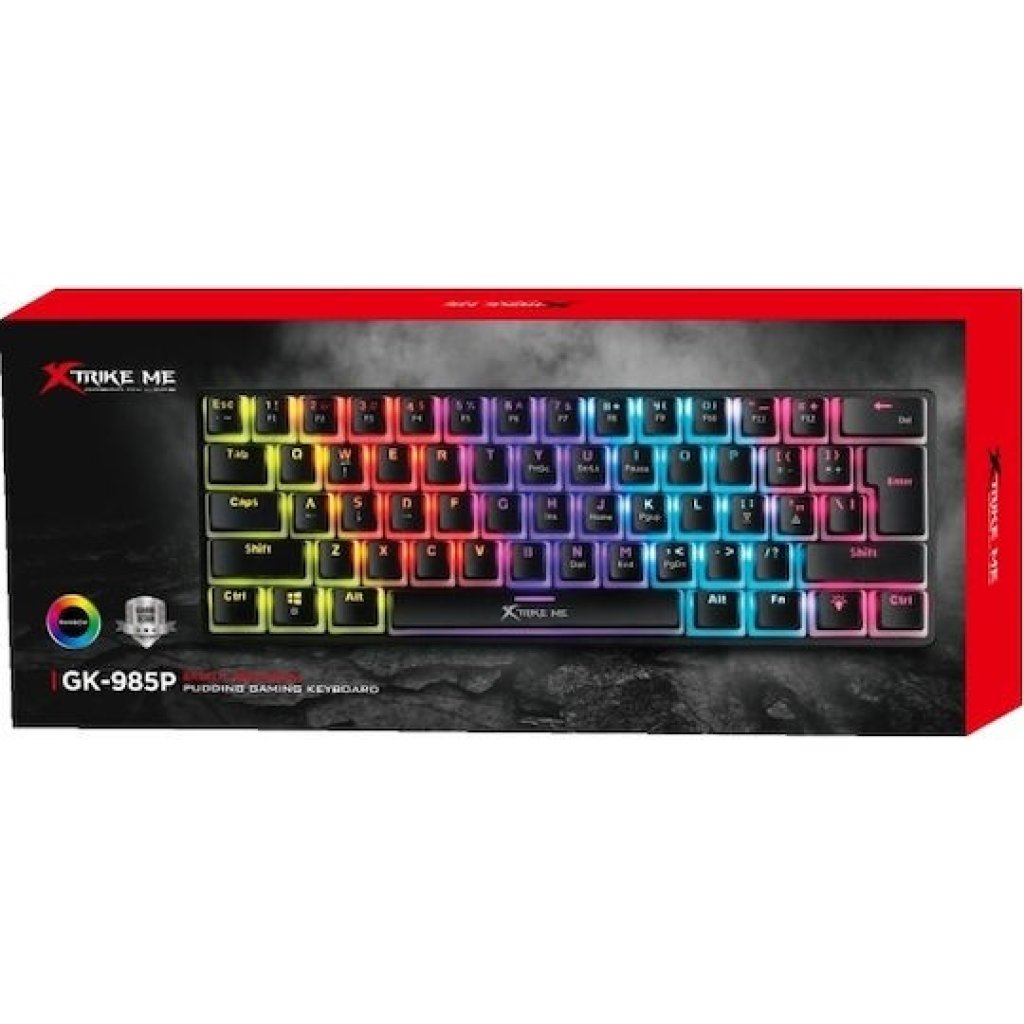
A 60% compact mechanical gaming keyboard that focuses on high cost-effectiveness and a minimalist design.
It is perfect for gamers looking to maximize their desktop space.
{{ group.name }}
Required
{{ group.group_min_hints }}
{{ group.group_max_hints }}
{{ group.group_max_hints }}
{{product['negative_message']}}
{{product['negative_message']}}
Core Specifications
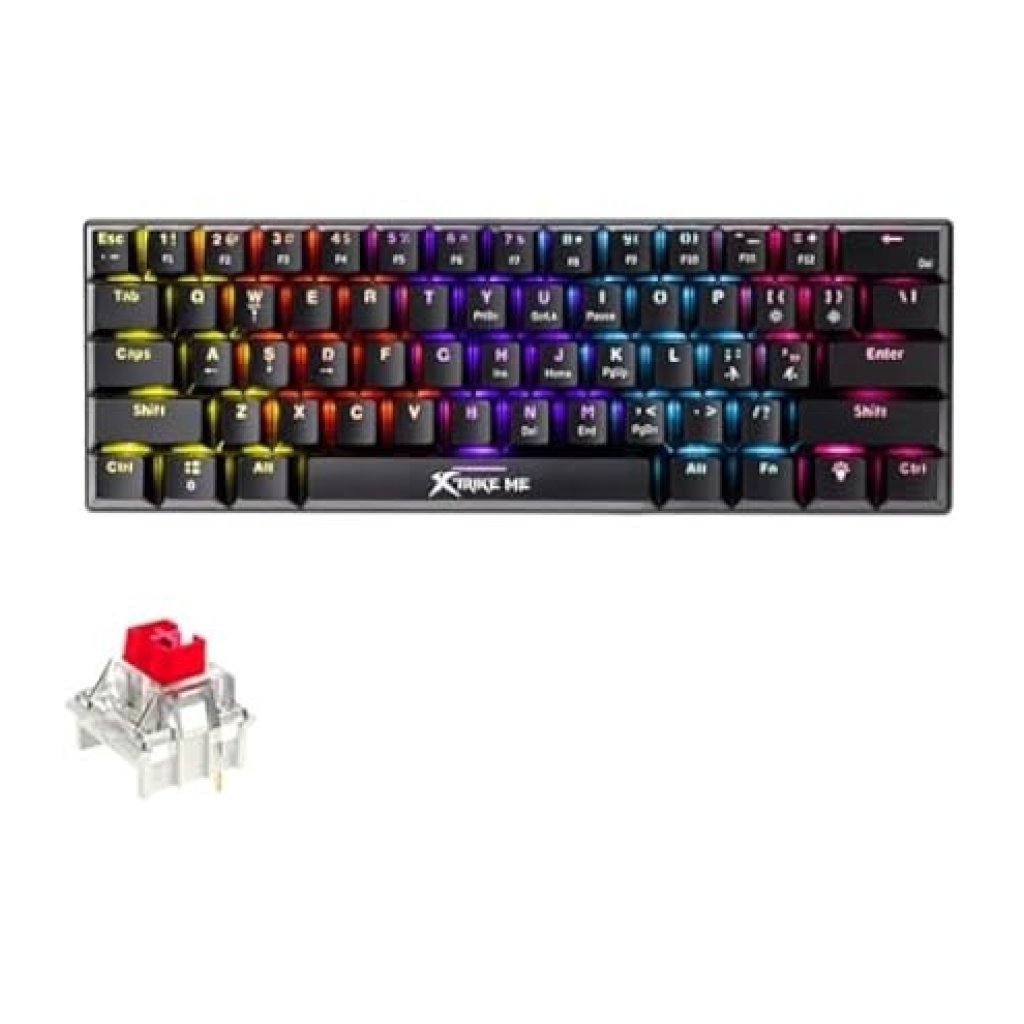
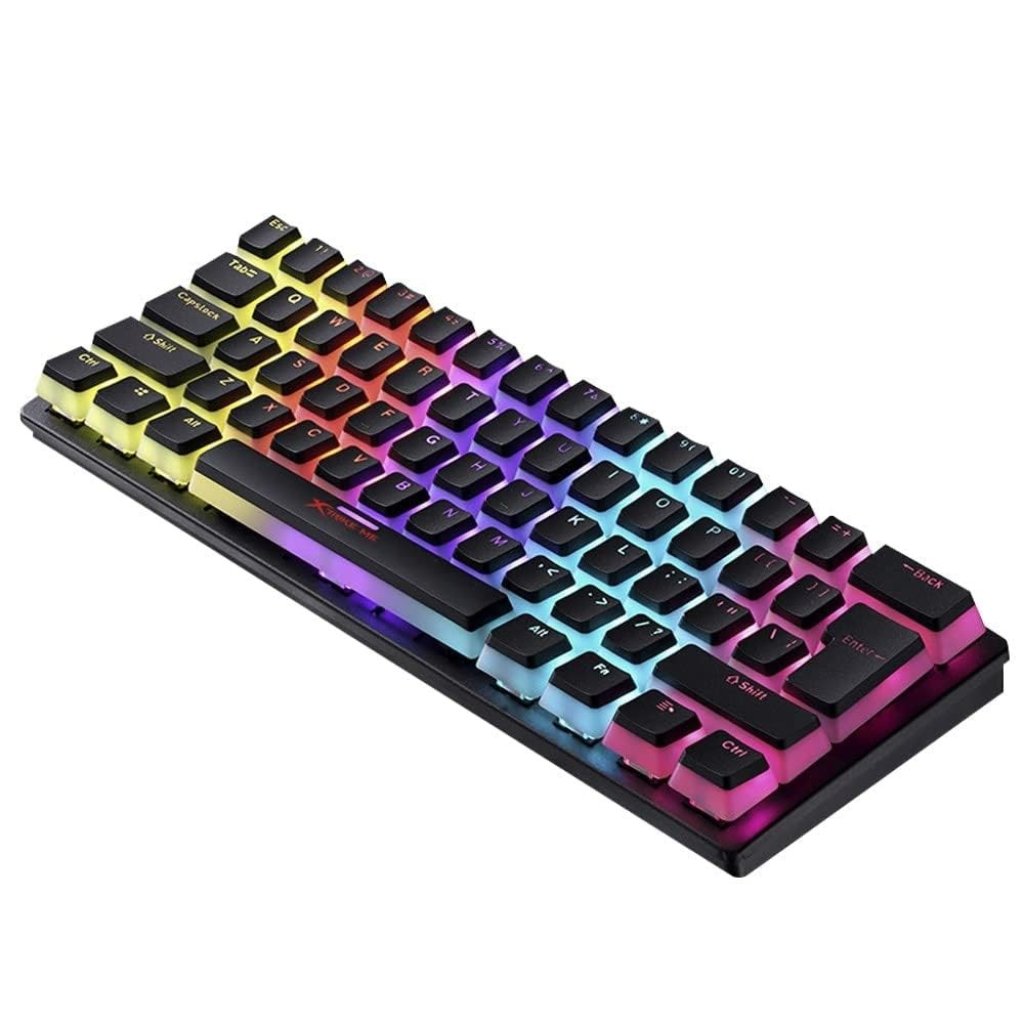
Keyboard Layout: 60% ultra-compact design (61-key layout).
Mechanical Switches: Crisp and clicky Blue Switches rated for a premium lifespan of up to 50 million keystrokes.
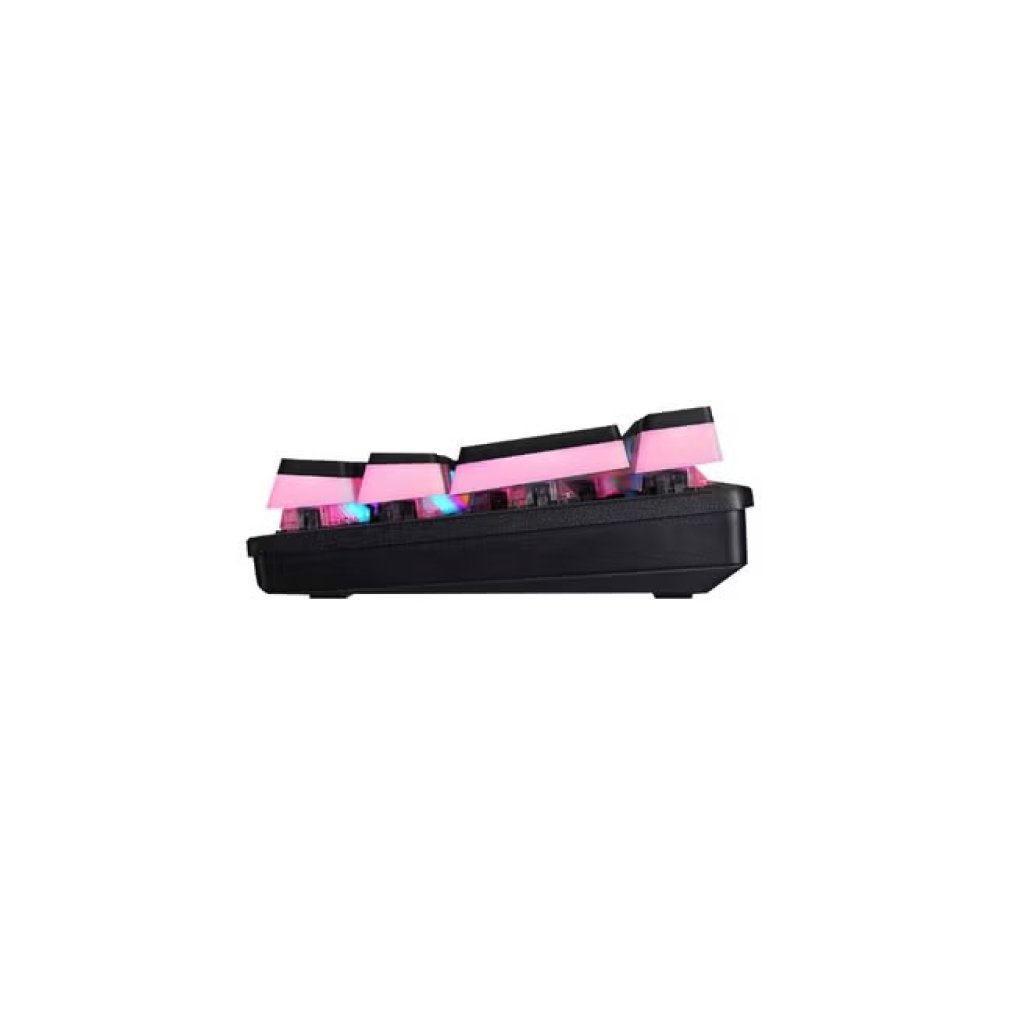
Premium Keycaps: Double-shot injection Pudding Keycaps featuring a translucent lower half that drastically amplifies backlighting brightness.
Lighting Effects: Vibrant Rainbow LED backlighting equipped with 12 dynamic lighting modes.
Anti-Ghosting: Supports 21-key conflict-free (Anti-Ghosting) technology for flawless input accuracy.
Connectivity: Wired USB 2.0 interface with a durable 1.5-meter (5 feet) PVC cable (Plug-and-Play).
Dimensions & Weight: 295 x 103 x 38 mm | 480 grams.
Essential Function Shortcuts
Since the 60% compact layout omits dedicated arrow keys and the F1–F12 top row, use the following FN combination keys to access these essential functions:
Toggle Arrow Keys: Press FN + W to instantly swap the WASD keys to act as standard Arrow Keys.
Toggle F-Row Functionality: Press FN + Left Ctrl (Ctrl-L) to switch the top number row to F1–F12 function keys.
System Functions: Access secondary system commands with:
FN + K = Print Screen (PrtSc)
FN + N = Scroll Lock (ScrLk)
FN + M = Pause / Break