-
-
0My Cart{{item.promotion_name}}{{ presentmentCurrencyPriceFormat(item.total_price_with_addon)}} {{ presentmentCurrencyPriceFormat(item.price * item.qty)}}{{ presentmentCurrencyPriceFormat(item.net_price * item.qty)}} {{ presentmentCurrencyPriceFormat(item.price * item.qty)}}{{item.name}} ({{item.variant_name}})Qty: {{ item.qty }}{{ presentmentCurrencyPriceFormat(addon_item.net_price * addon_item.qty)}} {{ presentmentCurrencyPriceFormat(addon_item.price * addon_item.qty)}}{{addon_item.name}} ({{addon_item.variant_name}})Qty: {{ addon_item.qty }}Sub-total:{{ presentmentCurrencyPriceFormat(cart['subtotal']) }}You have no items in your cart !
- General
- Travel SIM
- Power Supply
- Cables/Aapter
- Memory Card/USB/Hardisk
- Computer Peripherals
- Indoor/Outdoor Security Camera
- Car Accessories
- Phone Accessories
- Bluetooth Accessories/Earphone
- Pen/Pointer
- Stand
- Senior Phone/Phone
- Remote
- Battery
- Light
- Smart Watch
- Tracker
-
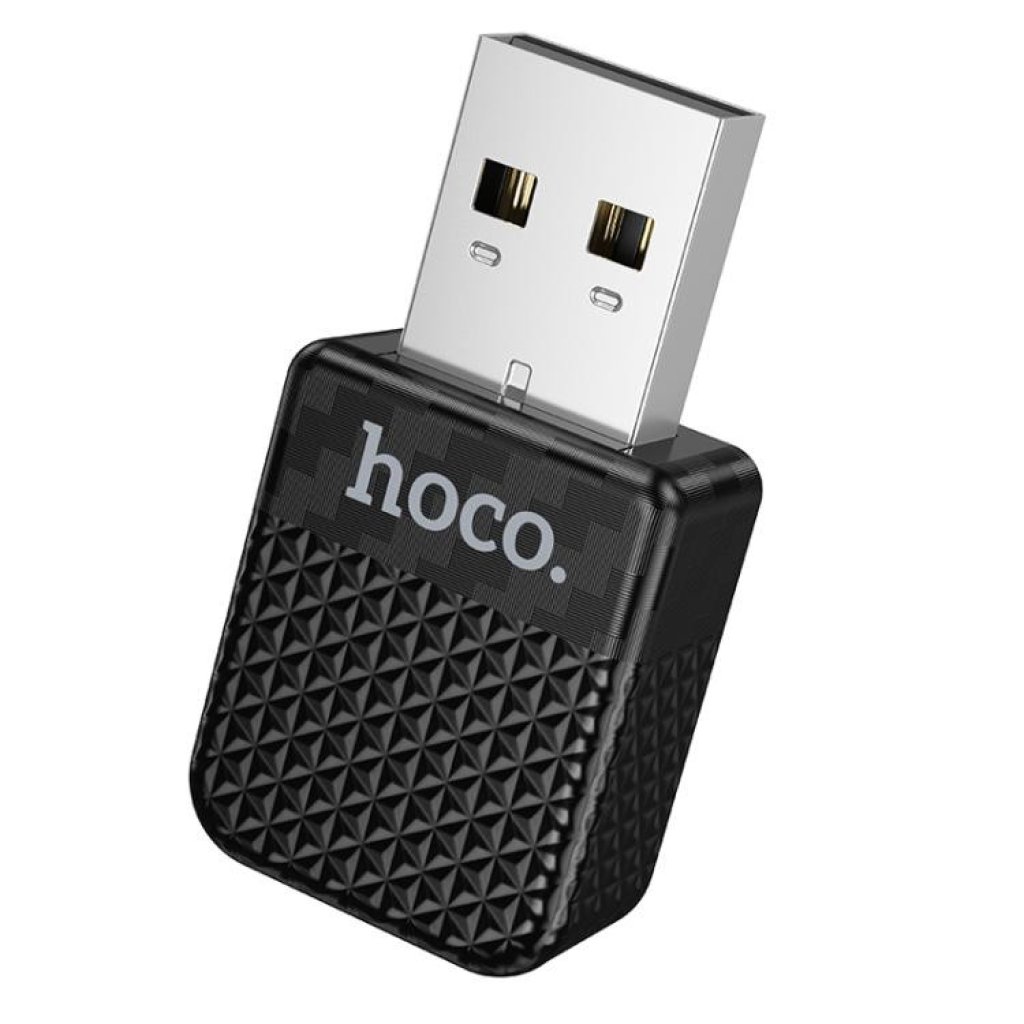
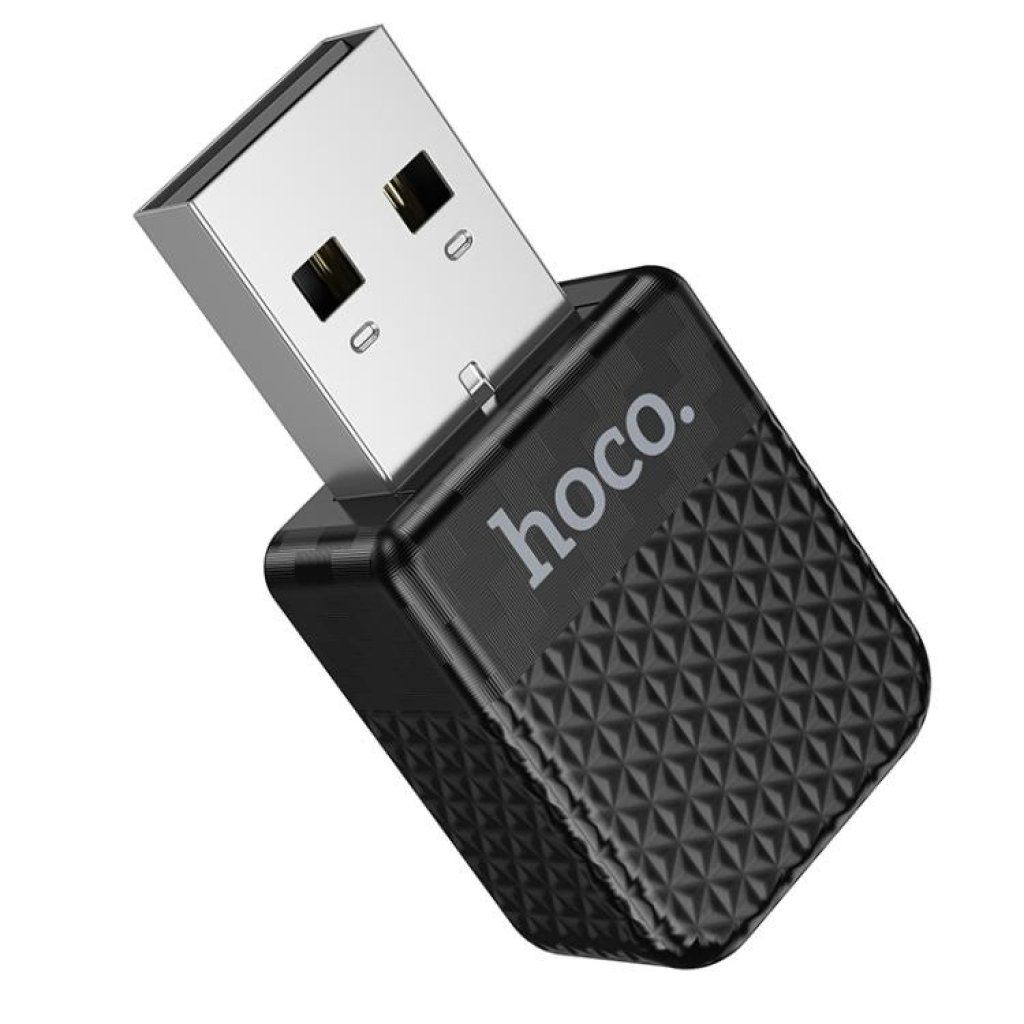
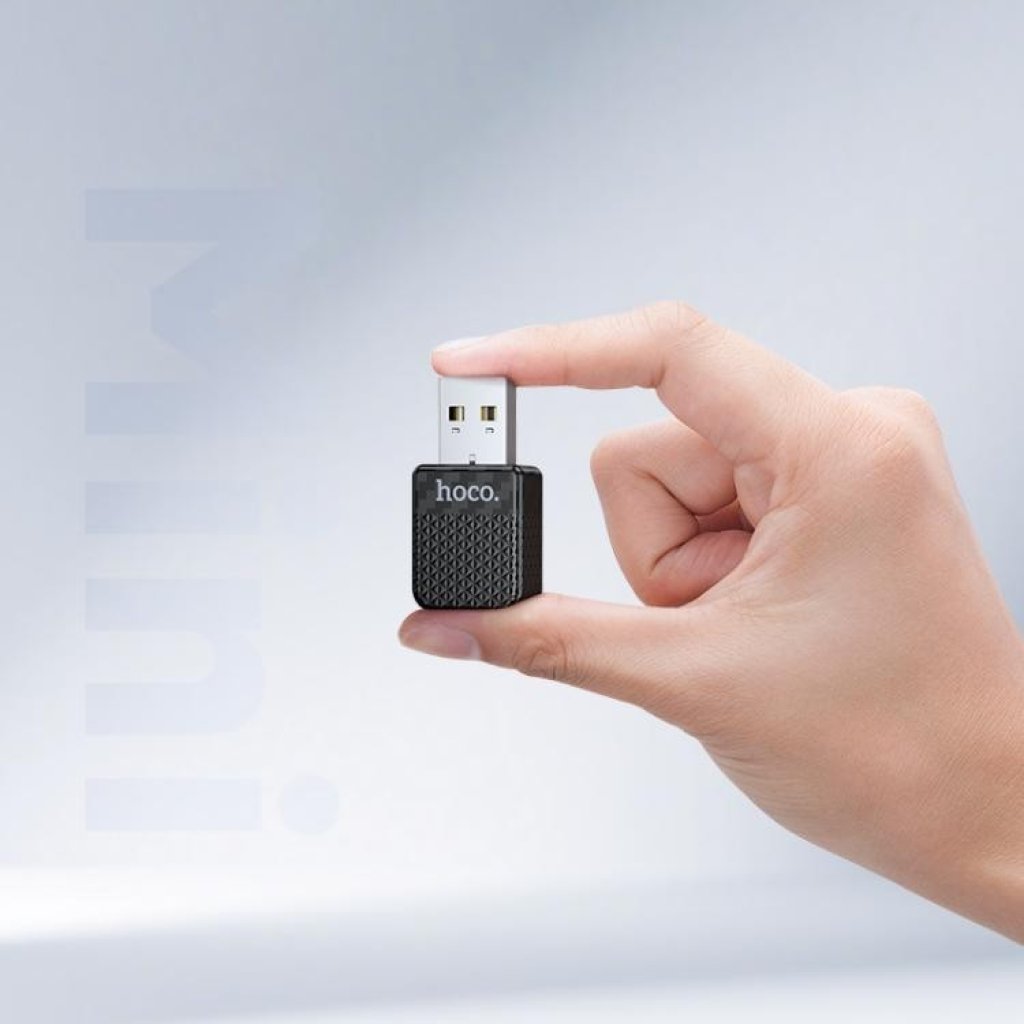
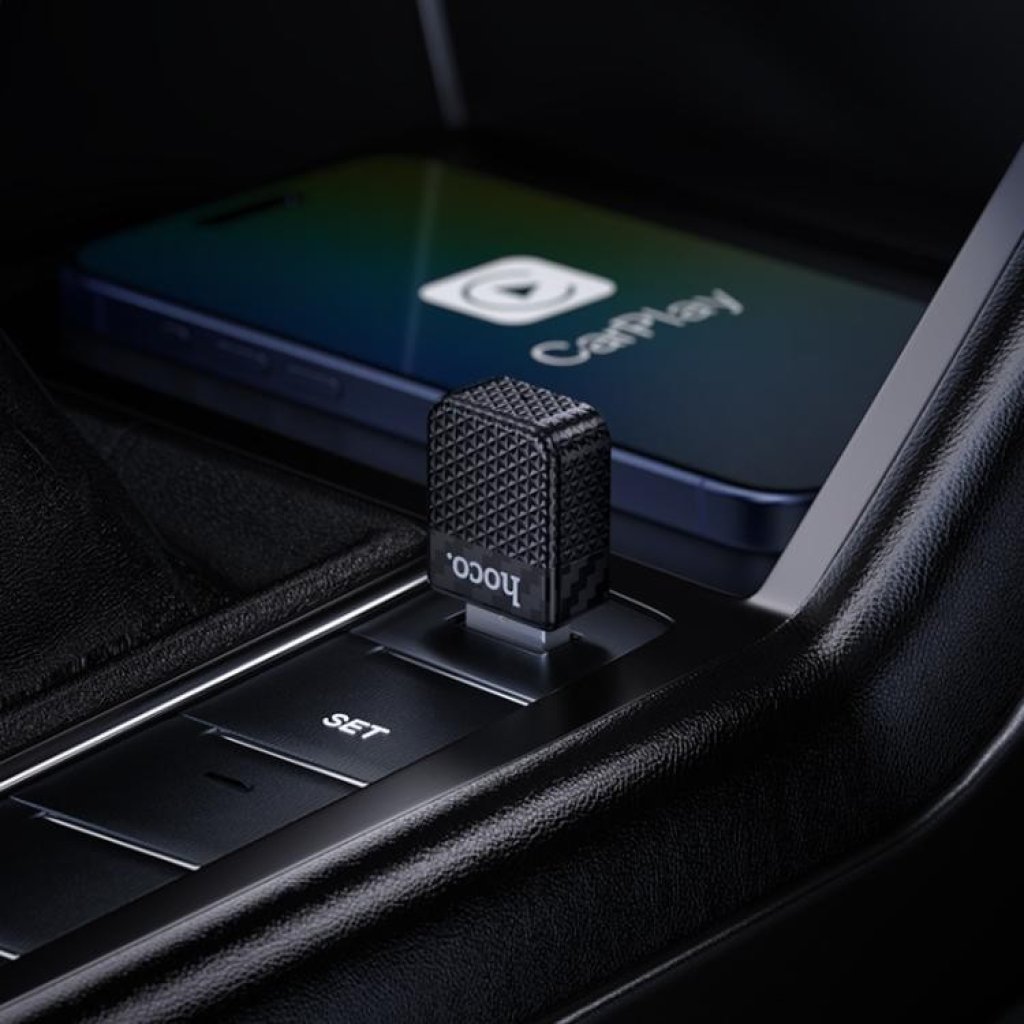
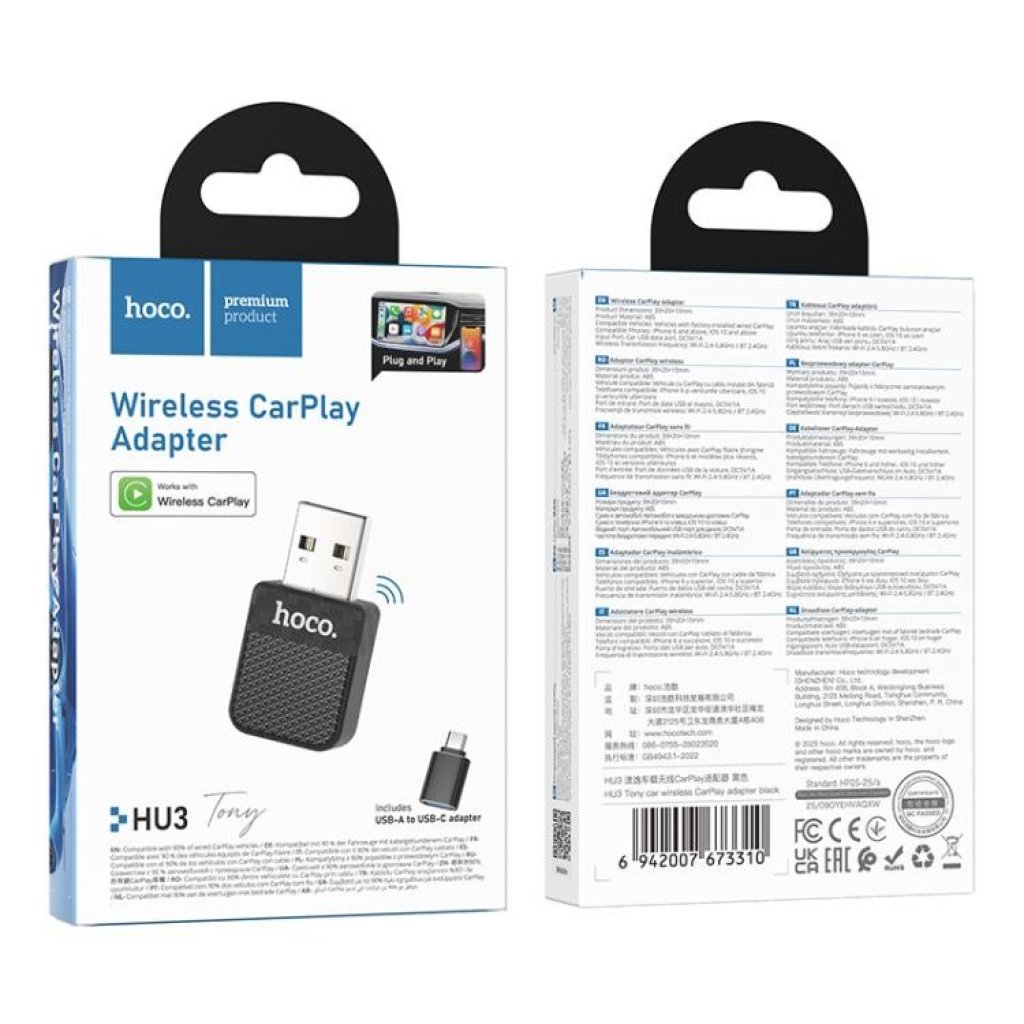
Hoco - HU3 CarPlay
WEIGHT: {{selected_product['weight']}}KG
An adapter designed specifically to upgrade wired CarPlay to wireless CarPlay in vehicles.
It eliminates the tedious process of plugging in a cable every time you enter the car,
enabling a convenient 'automatic connection upon entry' experience.
{{ group.name }}
Required
{{ group.group_min_hints }}
{{ group.group_max_hints }}
{{ group.group_max_hints }}
{{product['negative_message']}}
{{product['negative_message']}}
-
Core Function: Converts the factory-installed wired CarPlay system into a wireless connection.
-
Product Material: Features a wear-resistant ABS plastic housing.
-
Ultra-Compact Design: Measuring only 39 × 20 × 10 mm, it is small, space-saving, and easily hidden once plugged in.
-
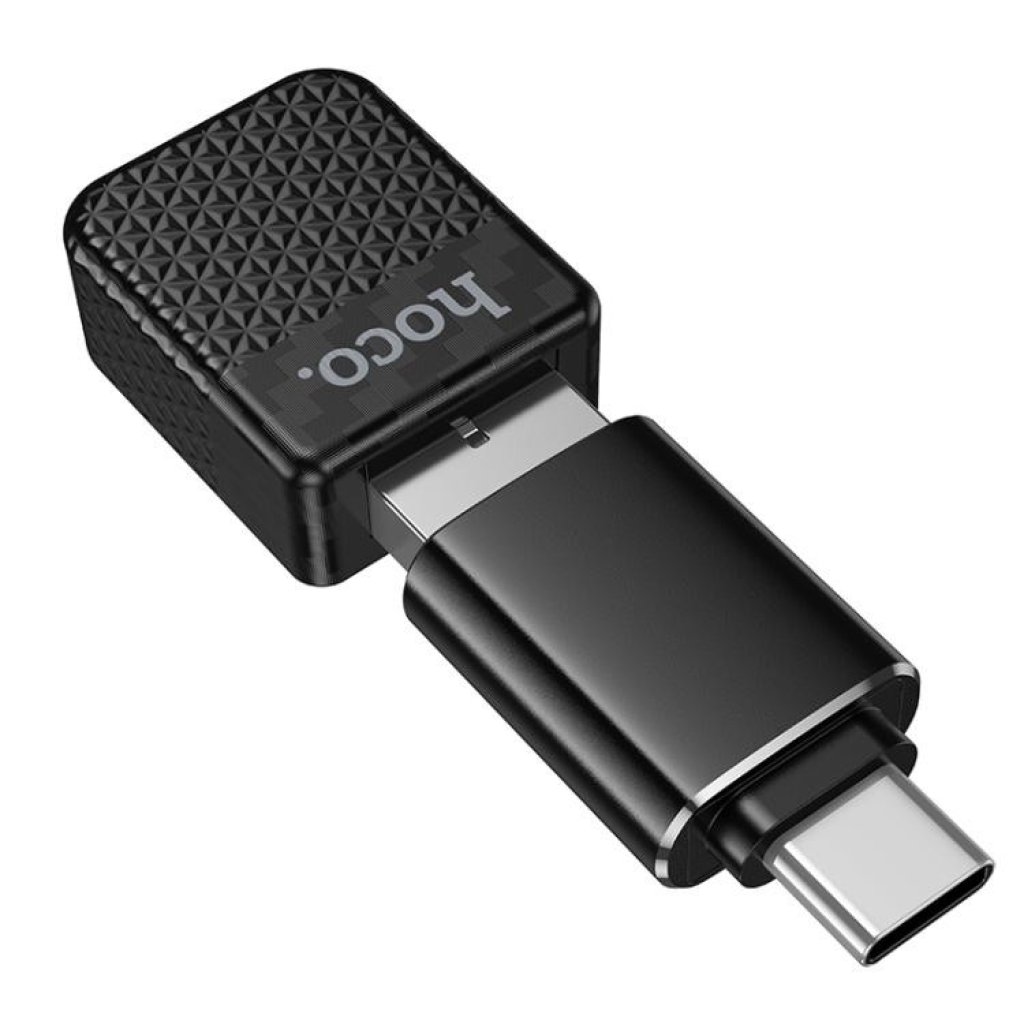
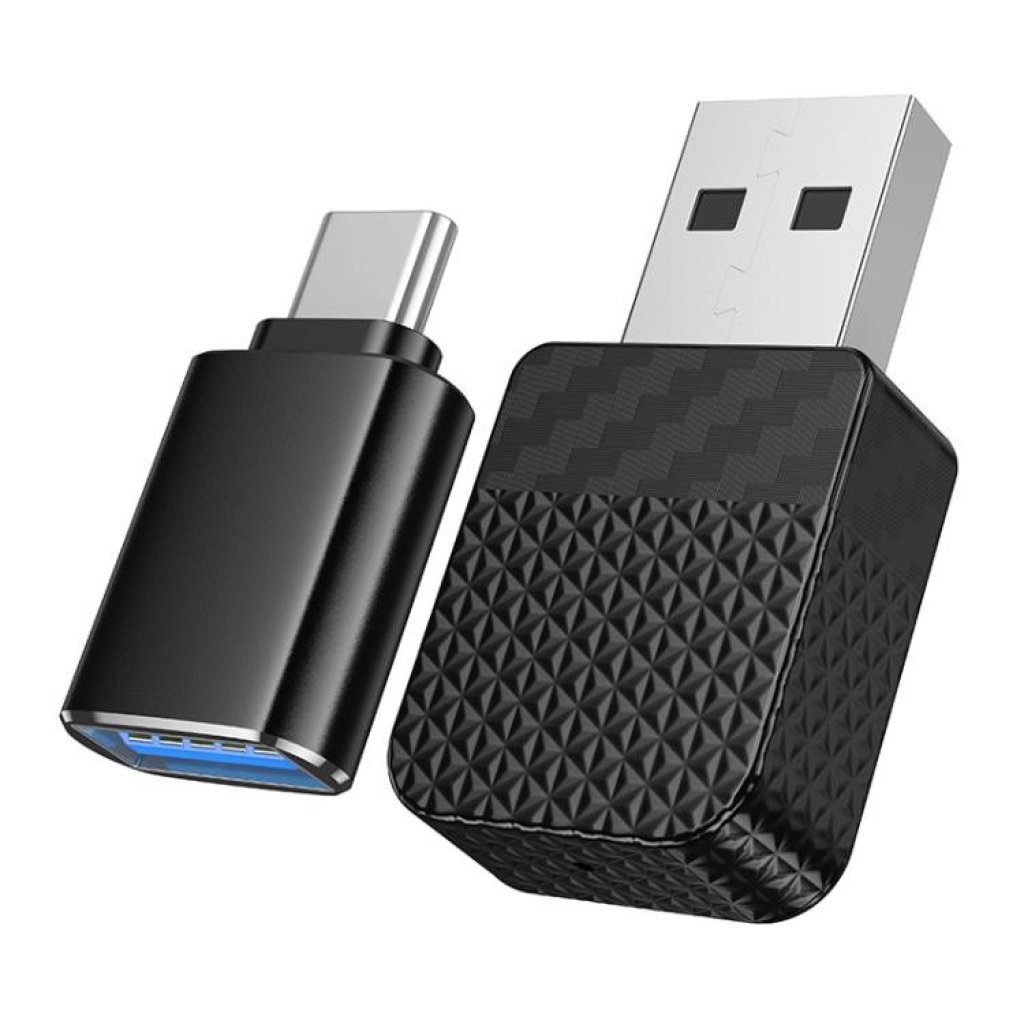
Included Adapter: Comes with a USB to Type-C adapter, ensuring compatibility with both newer and older vehicle USB ports.
-
Vehicle Requirement: The factory head unit must already support wired Apple CarPlay (not compatible with head units that do not feature CarPlay functionality).
-
Smartphone Requirement: Supports iPhone 6 and later models running iOS 10 or higher.
-
1. Plug in the Adapter: Connect the hoco. HU3 to the dedicated CarPlay USB or Type-C port in your vehicle.
2. Enable Bluetooth & Wi-Fi: Turn on Bluetooth and Wi-Fi on your iPhone.
3. Pair Connection: Locate the adapter's name in your phone's Bluetooth settings and tap to pair.
4. Grant Permission: Tap 'Use CarPlay' on the prompt that appears on your iPhone.
5. Future Automatic Connection: Once the initial setup is complete, the system will automatically recognize and wirelessly connect every time you start your car.